The login experience for American Express is nuts.
First, they don’t allow passwords longer than 8 characters. A financial site limiting password length? Smart. Not to worry, there’s sound reasoning for that:
The length of the password is limited to 8 characters to reduce keyboard contact. Some softwares can decipher a password based on the information of “most common keys pressed”.
Therefore, lesser keys punched in a given frame of time lessen the possibility of the password being cracked.
Phew! I was worried for a minute, there. Sounds like they’ve got some smart folks coding this stuff up.
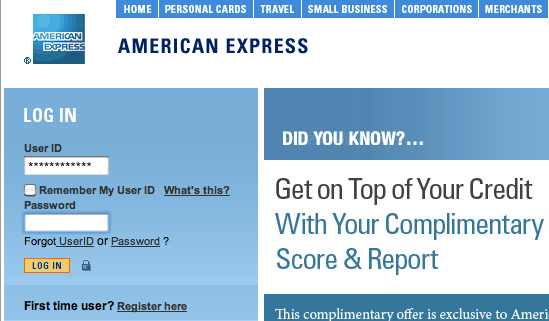
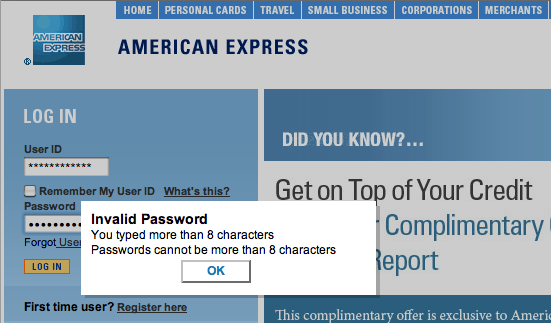
The worst part, though, is how they enforce that unnecessary length-limit. While they could have set the maxlength property on the password field to 8 characters and called it a day, they instead left it set at an appropriate 32 characters and implemented the following obnoxious javascript check:
-
On key press, check password length
-
If password length > 8, show a panel scolding the user for typing more than 8 characters.
-
Clear password box.
Seriously, Amex?